
I wrote this quick blog to break down some key investigative features I PERSONALLY use in Microsoft Defender and Sentinel, making it easier for security analysts to understand how these tools can help with threat detection and response (there are a lot of features not mentioned). I also don’t note HOW to use these features, let me know if I should make a separate blog explaining the HOW. Again, the point of this article is not to show you how to use the features, I encourage you to access them yourselves and observe how it affects the quality of your investigation.
1. Threat Explorer in Defender
- Allows you to search and filter through emails based on attributes like sender, recipient, subject, URL, and attachments to identify malicious emails.
- Provides insights into email headers, embedded URLs, and attachments to detect phishing attempts.
- Enables quarantining emails, blocking senders, or reporting threats.
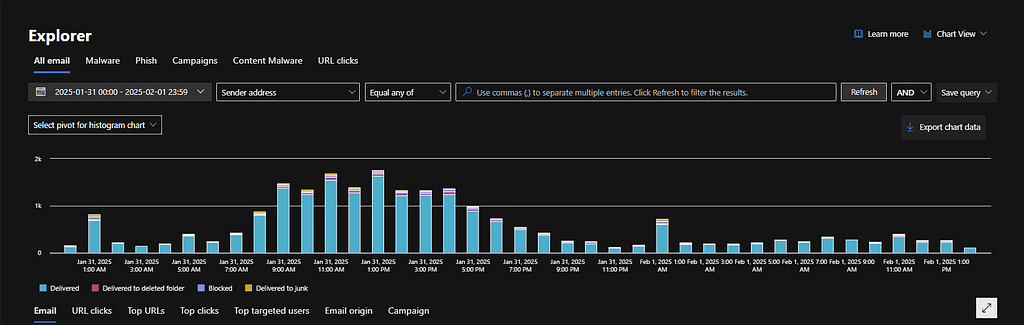 Example image found online.
2. Message Trace in EAC
- Shows whether an email was delivered, rejected, deferred, or quarantined.
- Allows filtering based on sender, recipient, message ID, subject, and timeframe.
- Displays information on emails flagged by anti-spam, anti-malware, DLP (Data Loss Prevention), and transport rules.
- Provides short-term message tracing (up to 10 days) for near real-time investigation and extended message tracing (up to 90 days) for deeper analysis.
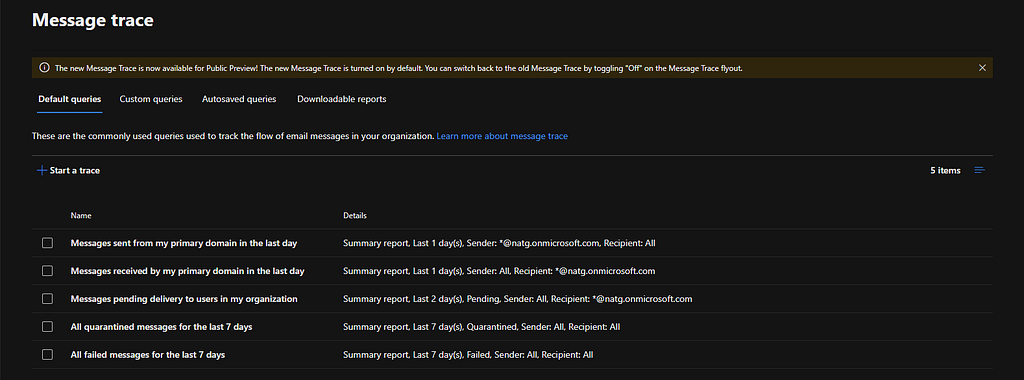 Example image found online.
3. Audit in Purview
- Tracks user and admin actions across Microsoft 365
- Provides audit log insights such as “Who accessed a specific file?” or “What actions did an admin perform?”.
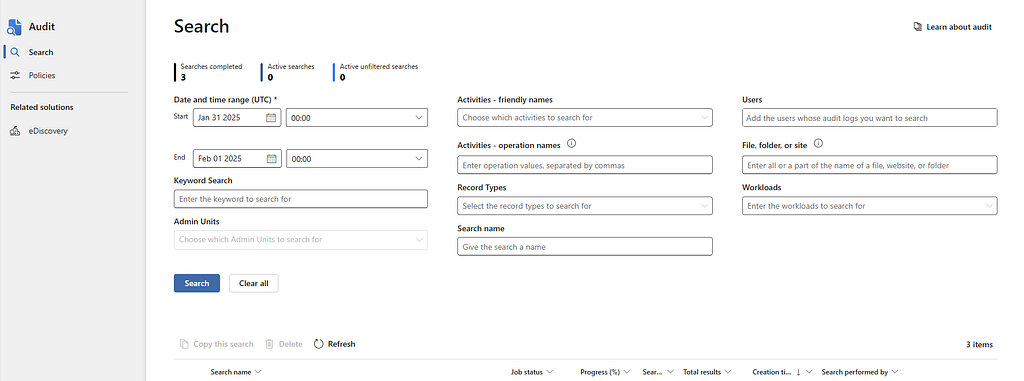 Example image found online.
4. Activity Log in Microsoft Defender for Cloud Apps
- Monitors file modifications, downloads, renames, and sharing activities.
- Tracks logins, failed login attempts, and privilege escalations.
- Captures resource access logs for cloud services like Microsoft 365, SharePoint, OneDrive, and Active Directory.
- Detects unusual behavior, such as: mass downloads or deletions, multiple failed logins from different locations, impossible travel activity.
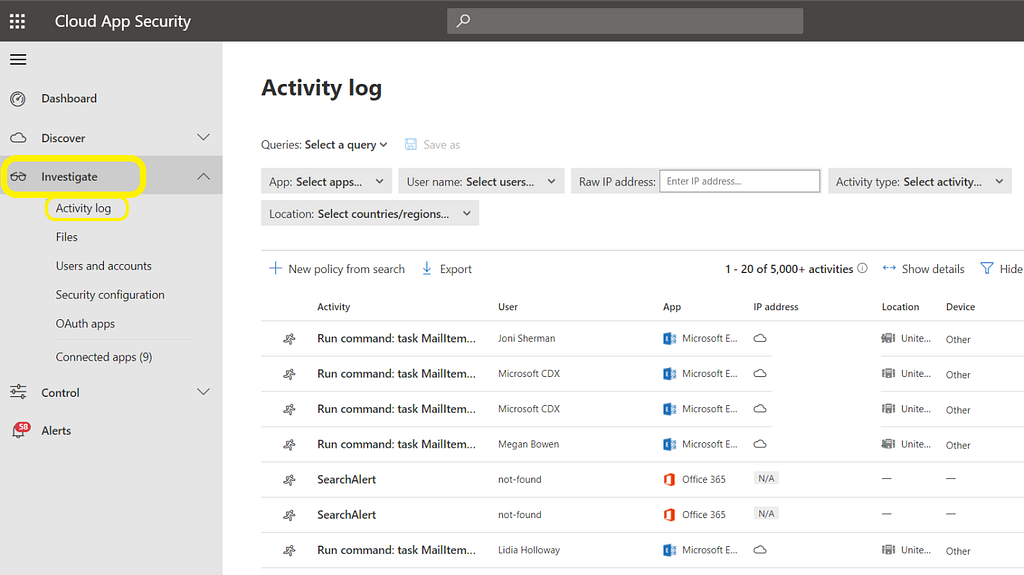 Example image found online.
5. “Users” in Microsoft Entra
- Search and filter users based on properties like name, email, role, and status.
- View sign-in methods (password, MFA, FIDO keys, etc.).
- Monitor user activity, including recent sign-ins and risk detections.
- Gather hostname of their Endpoint, contact information, role, UPN, etc.
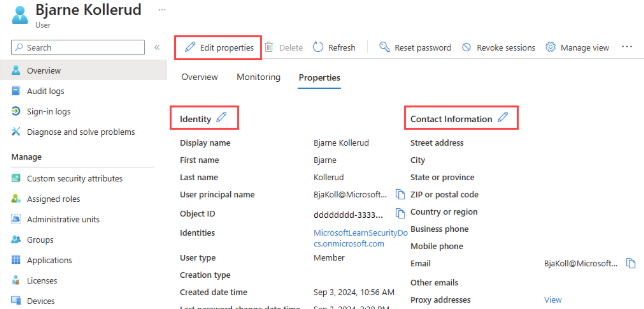 Example image found online.
6. Device Inventory in Microsoft Defender
- Displays all onboarded devices (workstations, servers, mobile devices, IoT).
- Provides details like hostname, OS, IP address, risk level, and exposure score.
- Displays active alerts, running processes, and recent threat detections.
- Shows if a device is isolated, compromised, or under active attack.
- Displays a timestamped sequence of security-related activities on a device.
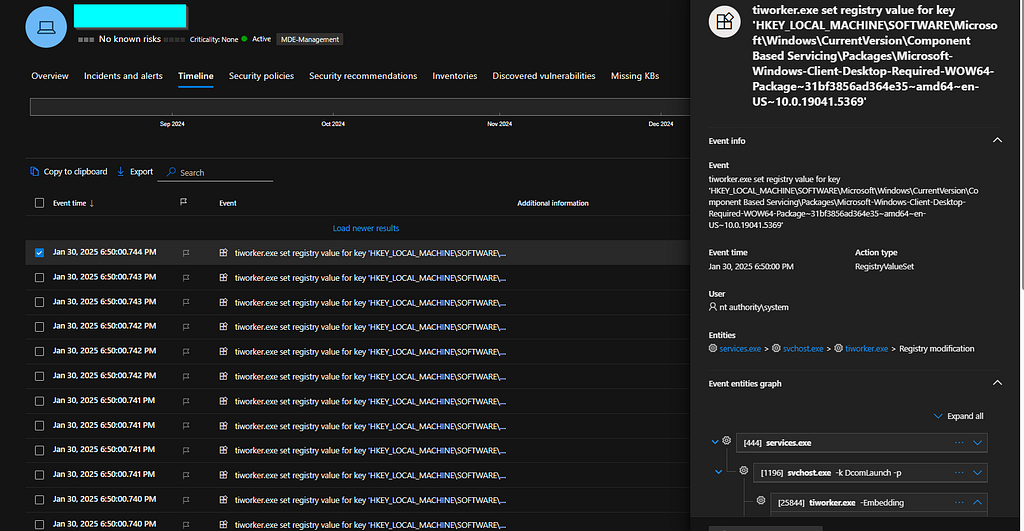 Example image found online.
7. Incidents in Microsoft Sentinel
- Automatically correlates multiple related alerts into a single incident.
- Visualizes attack paths and relationships between users, devices, and alerts.
- Incident Details & Timeline
- Etc
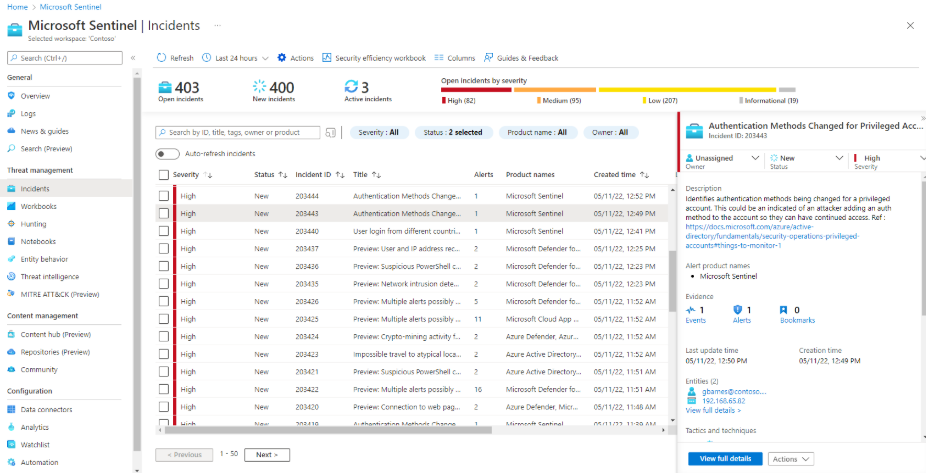 Example image found online.
8. Incidents in Microsoft Defender
- Displays all alerts, affected assets, and attack progression in one place.
- Provides a timestamped activity log to reconstruct the attack path.
- Visualizes attack relationships between users, files, processes, and network connections.
- Suggests remediation actions such as quarantining files, isolating devices, or blocking users.
- Etc
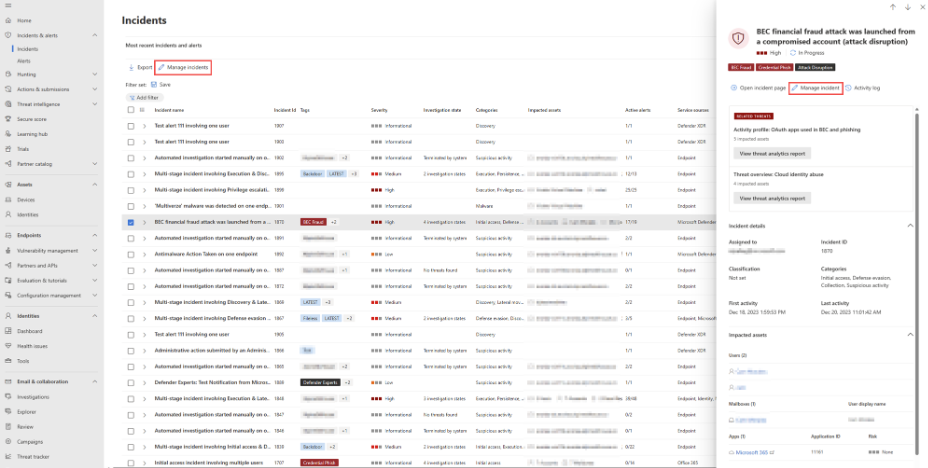 Example image found online.
9. Logs in Microsoft Sentinel
- KQL enables you to search, filter, and correlate log data.
- Converts raw logs into custom dashboards.
- Etc
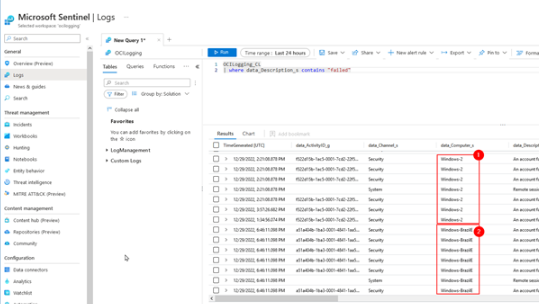 Example image found online.
10. Advanced Hunting in Microsoft Defender
- Queries data from Defender for Endpoint, Office 365, Identity, and Cloud Apps
- You can create custom KQL queries and set alerts for repeat attack patterns.
- Correlates logs with Indicators of Compromise (IoCs) like malicious IPs, domains, and file hashes.
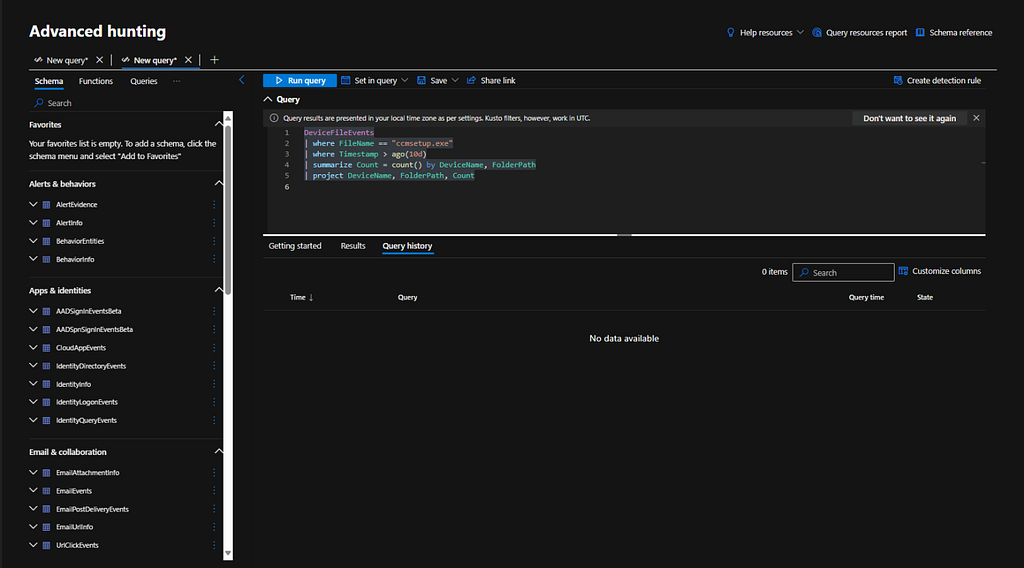 Example image found online.

Goodluck Analysts!